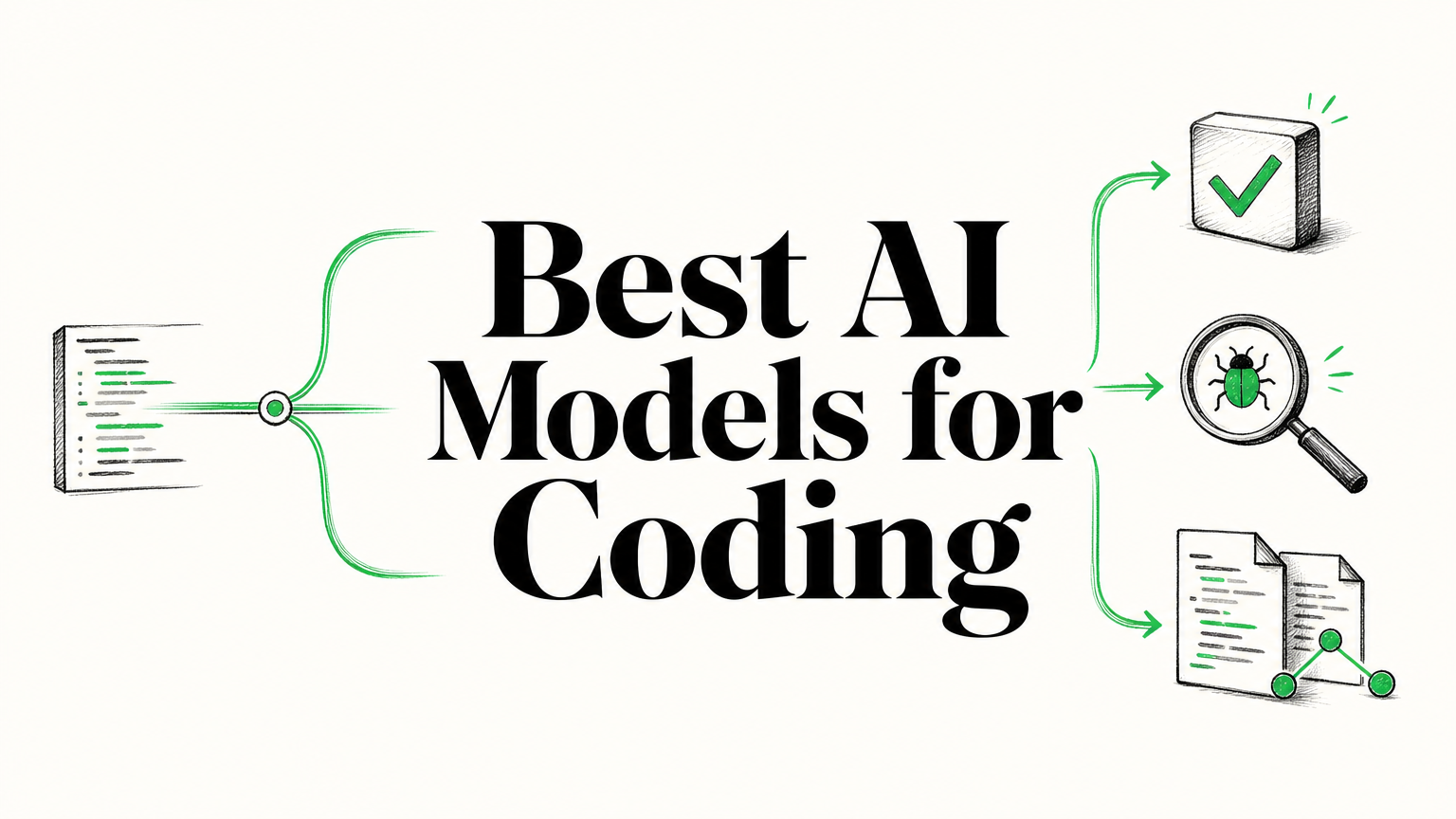

Which model helps you ship reliable code without creating more work in review? The answer depends on whether you need a quick completion, a difficult debugging partner, or help coordinating changes across files. For a practical starting point, our AI tools for code generation and review page helps you explore tools that support those workflows. Treat any model shortlist as a set of candidates, not a universal ranking.
That distinction matters because AI use does not mean every developer wants an autonomous agent. In its 2025 survey, Stack Overflow found that 52% of respondents either did not use agents or stayed with simpler AI tools, according to the 2025 Stack Overflow survey. The right choice begins with the work you actually do, plus the amount of checking your team can support.
What makes an AI model useful for coding?

A model can produce valid-looking syntax and still misunderstand the behavior your code needs to preserve. For useful coding support, assess whether it follows your instructions, works with relevant project context, and produces changes you can test and review. A short function prompt and a repository-wide refactor are different jobs, so one result should not stand in for the other.
For everyday completion, you may value quick suggestions that fit the open file. Debugging calls for a model that can work through error messages and relevant dependencies. Multi-file changes add another requirement: the model must keep the task’s constraints in view as edits spread across the project. In all cases, a passing test and a reviewable diff matter more than confident explanations.
Separate the coding model from the tool around it. A model generates or interprets output; an editor extension, agent, or API workflow supplies context and may allow the model to use tools. Context selection, permissions, test execution, and recovery from a failed command can change the result. If an agent makes the edits, evaluate that complete setup, not just the model name.
How do the leading model families fit coding tasks?
When your task is clear, make a shortlist based on its demands rather than treating model families as a league table. The rows below are starting points for evaluation. Exact capabilities can differ by model version, host, and coding tool.
| Model family | Consider it for | What to test |
|---|---|---|
| Claude | Complex debugging, refactoring, and repository tasks | Instruction following, multi-step consistency, and review effort |
| GPT | Tool-assisted coding and workflows connected to your existing tools | Tool-call accuracy, change scope, and test handling |
| Gemini | Tasks that may benefit from long context or multimodal input in a supported version | Retrieval accuracy, cross-file reasoning, and output quality near context limits |
| DeepSeek | Cost-sensitive API use or deployments using available model weights | Version, host, usage cost, and performance on your own tasks |
| Qwen | Coding-focused variants and possible self-hosted setups | Exact model license, hardware needs, and coding accuracy |
| Llama | Local customization using compatible coding fine-tunes | Fine-tune quality, operating requirements, and maintenance effort |
| Mistral | Completion-focused workflows with a suitable coding model | How well the selected version handles your language and editor workflow |
For a model shortlist that reflects the versions and options available to you, consult our LLM models comparison. Check the exact model identifier before testing. A family name alone does not establish that a specific version supports your preferred tools, deployment method, or coding workflow.
For open-weight options, examine the specific license rather than assuming every variant permits the same use. Availability of model weights also does not remove the need to account for hosting, hardware, setup, and ongoing maintenance. A hosted API may simplify operations, while a self-managed deployment can offer a different level of control. Which trade-off suits you depends on your security requirements and technical resources.
Why do coding benchmarks not settle the choice?
A benchmark score is evidence about a particular test setup, not a promise about your codebase. SWE-bench, for example, evaluates systems against software issues, but results are meaningful only when you consider the model, agent, tools, and evaluation conditions together. The SWE-bench leaderboard separates results by evaluation setting, so compare entries that use compatible setups.
Benchmarks also test different abilities. Generating a short function does not test whether a model can find the right files, preserve existing behavior, run a test suite, or respond sensibly when a command fails. Repository size, language, framework, and task instructions can all affect your results. A small score difference from unlike setups is not enough to choose a model for production work.
Evidence from early 2026 illustrates why a single ranking can be misleading. Stanford’s 2026 AI Index reported that leading models were clustered in the low-to-mid 70s on SWE-bench Verified at the time covered by the report. That is a dated benchmark snapshot, not a current guarantee or a complete measure of coding usefulness. See the Stanford AI Index for the stated period and context.
Use benchmark results to narrow candidates, then test their behavior with your own tasks. If your work depends on a particular framework, legacy patterns, or internal conventions, a public benchmark may not represent those constraints. Your team’s measured results should carry more weight than a small leaderboard gap.
How can you compare models on your own codebase?
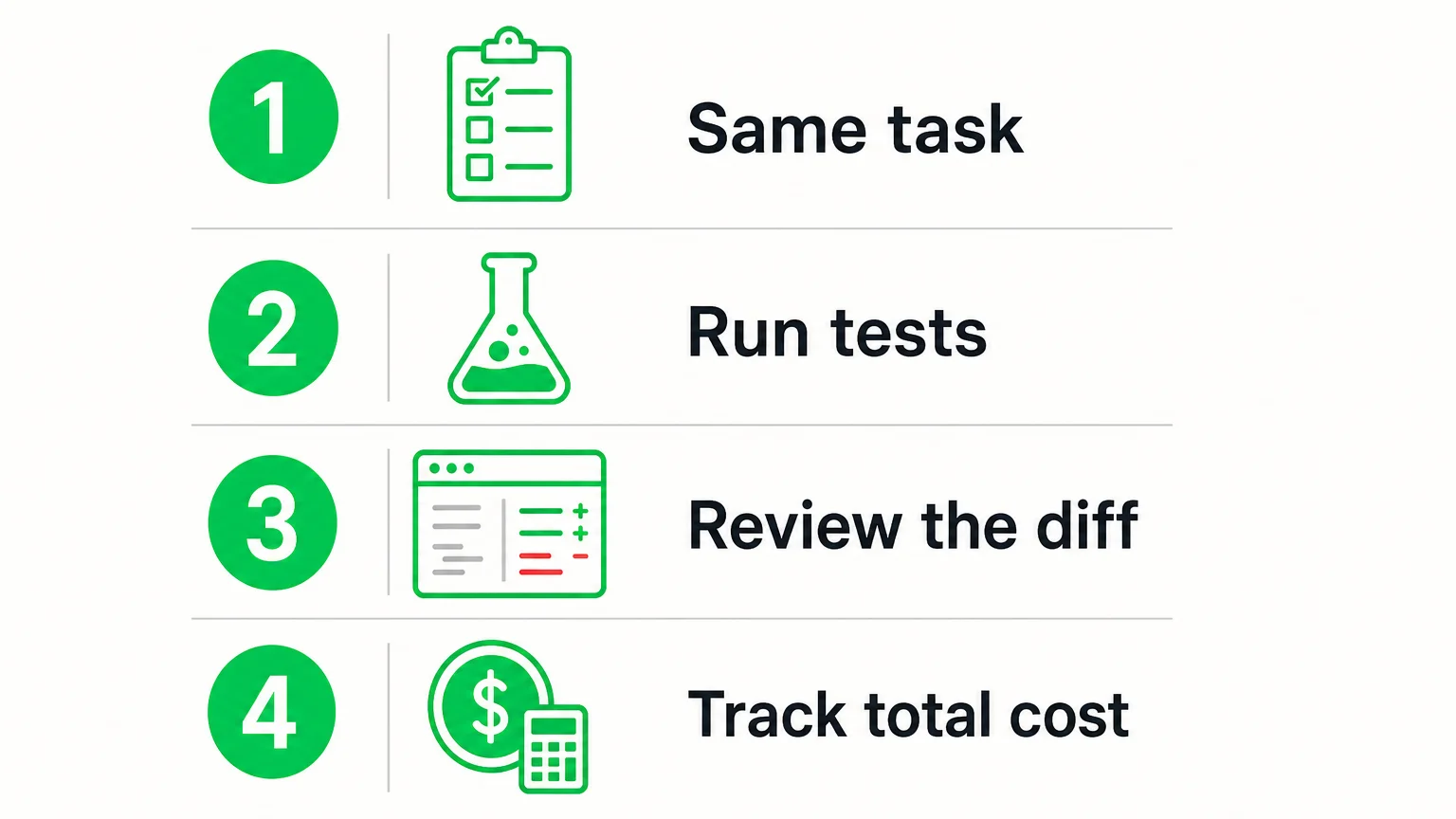
Use a small, repeatable evaluation rather than a collection of one-off prompts. Choose representative work, keep the starting repository and instructions consistent, and check each result against the same acceptance criteria. Include a routine task and a harder one, such as an unfamiliar bug or a refactor that touches multiple files.
- Give each candidate the same task. Use identical instructions, code, tool access, and time limits where possible.
- Run your checks independently. Execute the relevant tests, build, and lint steps yourself. Do not treat the model’s statement that tests passed as evidence.
- Review the diff. Look for unnecessary changes, missed edge cases, security concerns, and work that conflicts with project conventions.
- Record the full effort. Note retries, correction time, latency, and usage costs, not only whether the final code ran.
Measure whether a task was completed correctly and how much human repair it needed. Include the time spent reviewing and fixing a patch in your comparison. If a model saves a few minutes of typing but creates a longer review, it may not be the better fit for that workflow.
Use a second task to check whether the result holds beyond a single prompt. Record the version and tool configuration so that you can reproduce the comparison later. This is especially helpful when you evaluate an agent, because changes to its context handling or permissions can affect results as much as changing the underlying model.
How do cost, privacy, and tooling change your shortlist?
A model’s advertised token rate is only one part of its cost. Subscription plans, API usage, quotas, included tools, overage rules, and billing windows can differ. Estimate how much your actual workflow consumes, including retries and review time, before comparing plan costs. You can use our coding plan recommendations to compare considerations such as supported models, quota periods, concurrency, and overage rules.
For private or regulated code, confirm where prompts and outputs are processed, how they are retained, and whether your required access controls apply to the exact plan. Do not infer privacy terms from an open-weight label or a model’s name. If you use an external API or relay, check provider rules and test connectivity before relying on it. Costs, availability, and performance may change.
Finally, check how the model fits your current development environment. Consider whether it works with your editor, version control process, test runner, and team review practices. If you plan to use agents, review what they can access and whether consequential actions require approval. A model that is easy to trial within your existing workflow may be a more practical starting point than one requiring extensive new infrastructure.
Choose by the work, then verify the result
The best AI model for coding is the one that completes your representative tasks accurately, fits your security and deployment needs, and reduces total effort after review. Shortlist suitable model families, compare them under the same conditions, and validate every change with your normal tests and code review. Recheck access, pricing, and terms before you commit.
Explore Coding Support for Your Workflow
Choosing a model is only one part of a coding workflow. You may also need to compare assistants, model access, and plans against the tasks and limits your team expects to use.
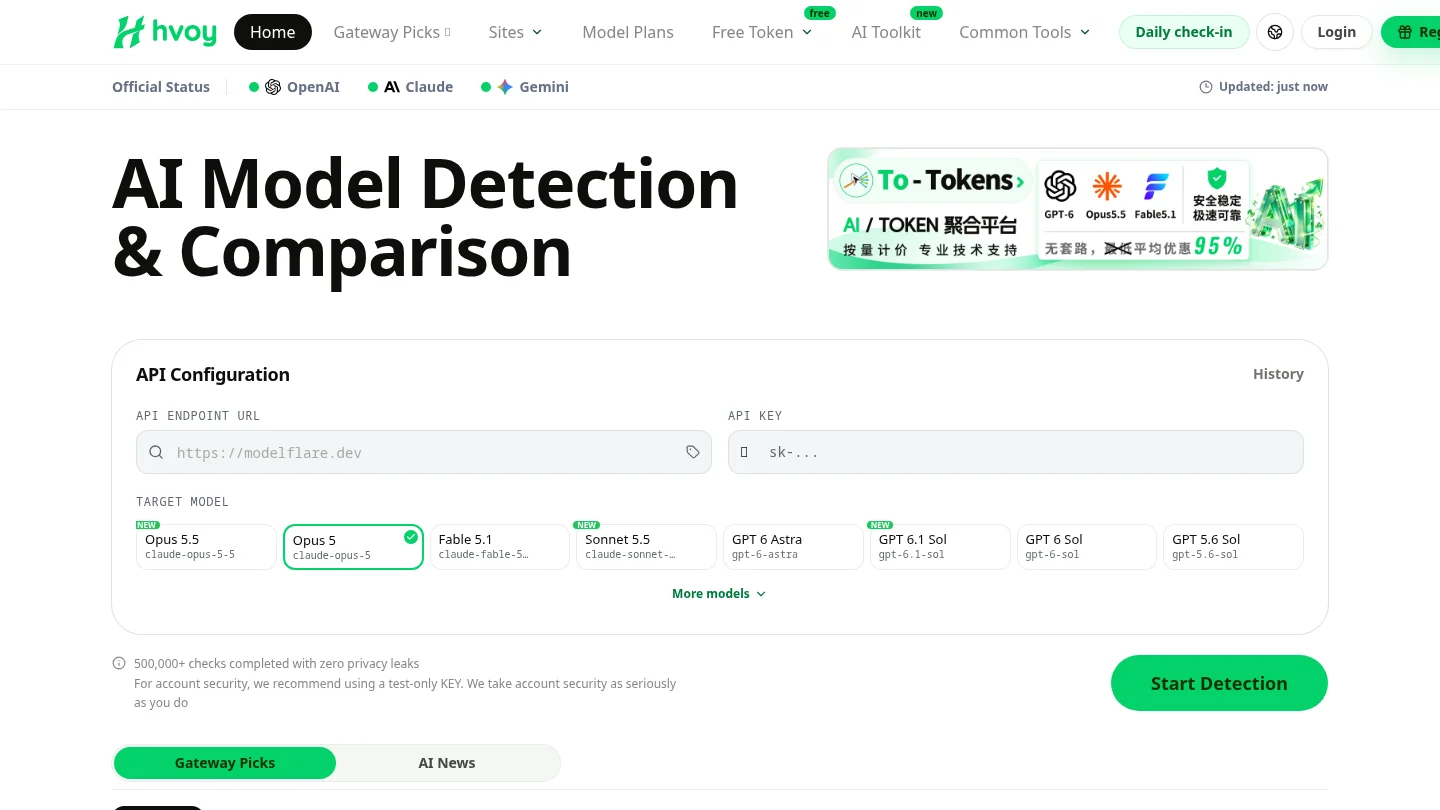
We continuously test Claude, GPT, Gemini, and other models using real API keys. Our endpoint checks examine connectivity, response characteristics, latency, and model-consistency signals. These checks can help identify anomalies, but they do not guarantee future provider performance. Explore our AI coding assistants to review tools for your development workflow, and confirm current provider terms before choosing a plan.
Frequently Asked Questions
Which AI model should you try first for coding?
Start with a model that fits your main task, such as debugging, code completion, or multi-file editing. Compare it with at least one alternative using the same repository and acceptance criteria.
Are coding models and coding assistants the same thing?
No. A model generates or analyzes code, while an assistant or agent combines a model with an interface, project context, and sometimes tools. Those surrounding features can change the result and should be evaluated too.
Are open-weight models suitable for private code?
They may support self-managed deployment, but privacy depends on how you host and operate the model. Check the exact model’s license, infrastructure, and data-handling setup before using proprietary code.
How should you compare coding models fairly?
Give each candidate the same task, repository, tools, and success criteria, then run tests and review the changes yourself. Track correction effort and total usage, not just whether the model produced code.
How can hvoy AI help you compare coding options?
Our comparison resources cover models, coding tools, and plan-selection factors such as supported models, quotas, concurrency, and overage rules. Provider terms and availability can change, so confirm them before purchase.